
DNS Spoofing: How Hackers Redirect You to Fake Websites (and How to Stay Safe)
Cyber Threats Explained | Part 2 | ApexSiteDefense
Imagine walking into your favorite bank, handing over your account information, and discovering afterward that the entire building was a convincing imitation.
The employees weren’t real. The bank wasn’t real. And the criminals now have your information.
Sounds like something from a movie, doesn’t it?
Unfortunately, a similar deception can happen online. Even when you type the correct website address into your browser, an attacker may be able to interfere with the system that helps your computer find that website.
This is called DNS spoofing, and understanding how it works can help protect your passwords, financial information, and business.
What Is DNS Spoofing?
DNS spoofing is a cyberattack involving fraudulent Domain Name System (DNS) information intended to redirect internet traffic to an unintended destination.
To understand this, think about how your phone works.
You know someone’s name, but your phone needs their actual telephone number to make the call. Your contacts list makes that connection automatically.
The internet works similarly.
When you type a website address, such as example.com, your device uses DNS to find the corresponding numerical IP address.
Normally, that process takes you to the correct destination.
But what happens if someone tampers with the answer?
Your browser might be directed to a server controlled by a criminal instead of the legitimate website.
That’s the basic idea behind DNS spoofing.
How Does DNS Spoofing Work?
Let’s say you want to log into your bank account.
Under normal circumstances, the process looks something like this:
You enter your bank’s website address.
Your device asks a DNS resolver for the site’s IP address.
The resolver provides the address.
Your browser connects to the bank’s server.
You log in securely.
Now imagine that a criminal manages to supply a fraudulent DNS answer.
Instead of being directed toward your bank, your browser is pointed toward a malicious server.
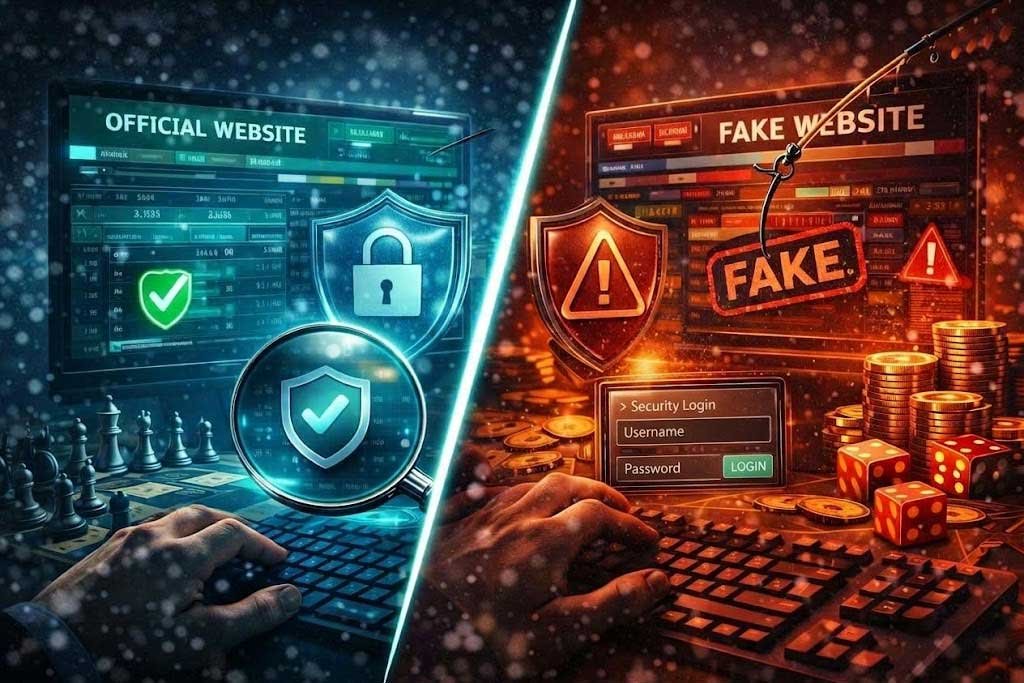
The attacker might have created a website that looks nearly identical to your bank’s actual website.
The colors match. The logo looks correct. Even the login page seems familiar.
If you enter your username and password into that fraudulent page, the attacker may capture your credentials.
Important: Modern HTTPS protections can expose this deception. If the fraudulent server cannot prove its identity for the legitimate domain, your browser should display a certificate warning or block the connection. Never ignore that warning.
DNS Spoofing vs. DNS Cache Poisoning: What’s the Difference?
These two terms are closely related and sometimes used interchangeably, but there’s a useful distinction.
DNS spoofing is the broader idea of supplying fraudulent DNS information.
DNS cache poisoning is a particular technique in which false information gets stored in a DNS resolver’s cache.
DNS caching normally improves performance. Instead of repeatedly looking up the same website, a DNS resolver temporarily remembers its address.
But if a fraudulent answer enters that cache, other users relying on the affected resolver may receive the same incorrect information.
That means one successful cache-poisoning attack could potentially affect many users.
How Do Criminals Manipulate DNS?
Attackers may attempt several different techniques.
1. DNS Cache Poisoning
An attacker exploits a weakness or compromised system to insert fraudulent DNS records into a resolver’s cache.
When users request the affected domain, the resolver provides the wrong destination.
2. Router Compromise
A criminal who gains administrative access to a router may change its DNS settings.
Devices using that router could then receive answers from an attacker-controlled DNS resolver.
This is one reason changing default router passwords and keeping firmware updated are so important.
3. Malicious Software
Certain malware can manipulate DNS configuration settings on a computer or mobile device.
Even if the rest of the network is working correctly, an infected device might be directed toward malicious destinations.
4. Compromised DNS Administration
If attackers gain control of an organization’s DNS management account, they may change legitimate DNS records.
This is generally called DNS hijacking rather than traditional cache poisoning, but the result can be similar: visitors are directed somewhere they never intended to go.
Why Is DNS Spoofing Dangerous?
DNS attacks aren’t limited to displaying the wrong webpage.
Depending on the attack, they can create opportunities for several serious problems.
Credential theft: Criminals may trick visitors into entering usernames and passwords into fraudulent websites.
Financial fraud: Fake payment portals can be used to collect financial information or deceive users into sending money.
Malware distribution: A malicious destination may attempt to persuade visitors to download infected software.
Business disruption: Incorrect DNS records can prevent customers from accessing legitimate websites and services.
Reputation damage: Customers who encounter fraudulent pages while attempting to visit a company’s website may lose confidence in that business.
For small businesses, even a short-lived security incident can create expensive problems.
How Can You Recognize DNS Spoofing?
DNS spoofing can be difficult to identify because the underlying manipulation may occur without your knowledge.
However, there are warning signs worth investigating.
- Your browser displays a certificate or connection security warning.
- A familiar website suddenly looks different or requests unusual information.
- Multiple devices on the same network experience unexpected redirects.
- Your router’s DNS settings have changed without authorization.
- Websites behave normally on a trusted cellular connection but redirect unexpectedly on your home or office network.
These symptoms don’t necessarily prove DNS spoofing. Configuration errors, browser extensions, and other security problems can produce similar behavior.
But they should never be dismissed without investigation.
8 Ways to Protect Yourself from DNS Spoofing
The good news is that DNS security has improved considerably, and several straightforward precautions can reduce your risk.
1. Never Ignore HTTPS Certificate Warnings
This may be your most important immediate defense.
HTTPS helps your browser authenticate the server you’re connecting to and encrypts the communication.
If a criminal redirects you to a fraudulent server that cannot present a valid certificate for the domain, the browser should warn you.
Do not bypass the warning to enter sensitive information.
Remember that HTTPS is not proof a website is legitimate. Criminals can obtain valid certificates for domains they control, so check the website address carefully.
2. Keep Your Router Secure
Your router plays an important role in directing your internet traffic.
Change its default administrator password, update its firmware, and disable unnecessary remote management features.
For businesses, restrict who can access networking equipment and configuration settings.
3. Use a Trustworthy DNS Resolver
Consider a reputable DNS service that supports DNSSEC validation and encrypted DNS connections.
DNSSEC helps verify the authenticity of signed DNS information, while encrypted DNS protocols such as DNS over HTTPS (DoH) and DNS over TLS (DoT) help protect DNS queries while they travel between your device and the resolver.
These technologies address different risks and work best as part of a broader security strategy.
4. Enable DNSSEC for Your Business Domain
DNS Security Extensions (DNSSEC) use cryptographic signatures to help verify that DNS information hasn’t been altered.
When correctly implemented and validated, DNSSEC helps prevent attackers from successfully substituting fraudulent DNS answers for signed records.
Website owners should investigate whether their DNS provider and domain registrar support DNSSEC.
Because incorrect DNSSEC configuration can make a domain inaccessible, deployment and provider changes should be planned carefully.
5. Use Multifactor Authentication
Even if a fraudulent website captures your password, additional authentication can make account compromise more difficult.
For stronger protection, choose phishing-resistant passkeys or hardware security keys when supported.
Traditional one-time codes offer additional protection but may still be stolen through sophisticated phishing attacks.
6. Keep Software Updated
Install security updates for operating systems, browsers, networking equipment, and applications.
Outdated software can provide attackers with opportunities to compromise devices or manipulate network settings.
Automatic updates can help reduce the risk of overlooking important patches.
7. Avoid Untrusted Networks
Public Wi-Fi can introduce additional risks, particularly when attackers control a fraudulent hotspot.
Verify network names before connecting, avoid bypassing security warnings, and use a trusted cellular connection for especially sensitive activities when possible.
8. Educate Your Employees
Businesses should make DNS-related threats part of their cybersecurity awareness training.
Teach employees to recognize suspicious redirects, report certificate warnings, and verify unusual financial requests through known, trusted contact methods.
A suspicious login page should never become a routine inconvenience that employees simply click past.
What Should You Do If You Suspect DNS Spoofing?
If a familiar website suddenly behaves suspiciously, take these steps:
- Stop entering information. Don’t provide passwords, financial details, or other sensitive data.
- Disconnect from the suspicious network. Try a different, trusted connection.
- Check your router settings. Look for unfamiliar DNS server addresses or unauthorized configuration changes.
- Update and scan your devices. Check for malware and install pending security patches.
- Change affected passwords. If you entered credentials on a suspicious site, change them using a trusted connection.
- Notify your IT administrator. Business networks may require DNS investigation, log review, and additional incident-response measures.
- Contact affected financial institutions. If banking or payment information was exposed, report the incident promptly.
For business owners, documenting what happened and preserving relevant records can help a security professional determine whether an actual compromise occurred.
Why DNS Security Matters for Small Businesses
When business owners think about website security, they often focus on passwords, malware scans, and software updates.
Those protections are important, but DNS deserves attention too.
Your DNS configuration helps customers reach your website, employees access business services, and email systems identify the servers responsible for delivering messages.
A compromised DNS account or improperly secured resolver can undermine trust in those connections.
Business owners should consider DNS security an essential part of their overall cybersecurity plan.
That includes protecting registrar accounts, maintaining accurate DNS records, enabling appropriate security features, and periodically reviewing configuration changes.
Frequently Asked Questions
Can DNS spoofing happen even if I type the correct URL?
Yes. DNS spoofing manipulates the information used to locate a website, so entering the correct domain name does not guarantee that the DNS response is correct. HTTPS authentication can provide an important additional safeguard.
Does a VPN prevent DNS spoofing?
A properly configured VPN can protect DNS requests routed through its trusted DNS infrastructure from certain local network attacks. However, a VPN does not prevent every form of DNS compromise or phishing.
Does antivirus software stop DNS spoofing?
Security software may detect malware that changes DNS settings or block known malicious destinations, but it cannot guarantee protection against every DNS attack.
Is DNSSEC the same as HTTPS?
No. DNSSEC helps authenticate DNS information. HTTPS authenticates web connections and encrypts data exchanged with a website. They protect different parts of the communication process.
Can DNS spoofing affect an entire business?
Yes. If an attacker compromises a shared DNS resolver or changes a router’s DNS configuration, multiple devices may be affected. The actual impact depends on the network and the compromised systems.
Final Thoughts: Don’t Let Hackers Choose Your Destination
DNS works quietly in the background every time we browse the web.
Most of the time, we never give it a second thought.
That’s precisely why DNS spoofing deserves attention.
By understanding how these attacks work and adopting straightforward protections, individuals and businesses can substantially reduce their exposure.
Secure your router. Protect your accounts. Pay attention to browser warnings. And don’t overlook the systems responsible for guiding your internet traffic.
Because getting to the right website should never be a guessing game.
Stay One Step Ahead with ApexSiteDefense
Cybersecurity threats don’t have to be mysterious.
At ApexSiteDefense, we’re committed to making website security easier to understand and helping businesses recognize the risks that could affect their online operations.
Want to learn more about protecting your website and digital assets?
Visit ApexSiteDefense.com for practical cybersecurity guidance and resources.